Using the API
Direct API access for full control over content ingestion, retrieval, and graph navigation
For full control over uploads, search, and retrieval, use the API directly. This path gives you programmatic access to frame extraction, relationship navigation, and graph operations.
Prerequisites: Make sure you've completed the setup steps (AI provider key, account signup, key configuration) before starting.
Quick Start
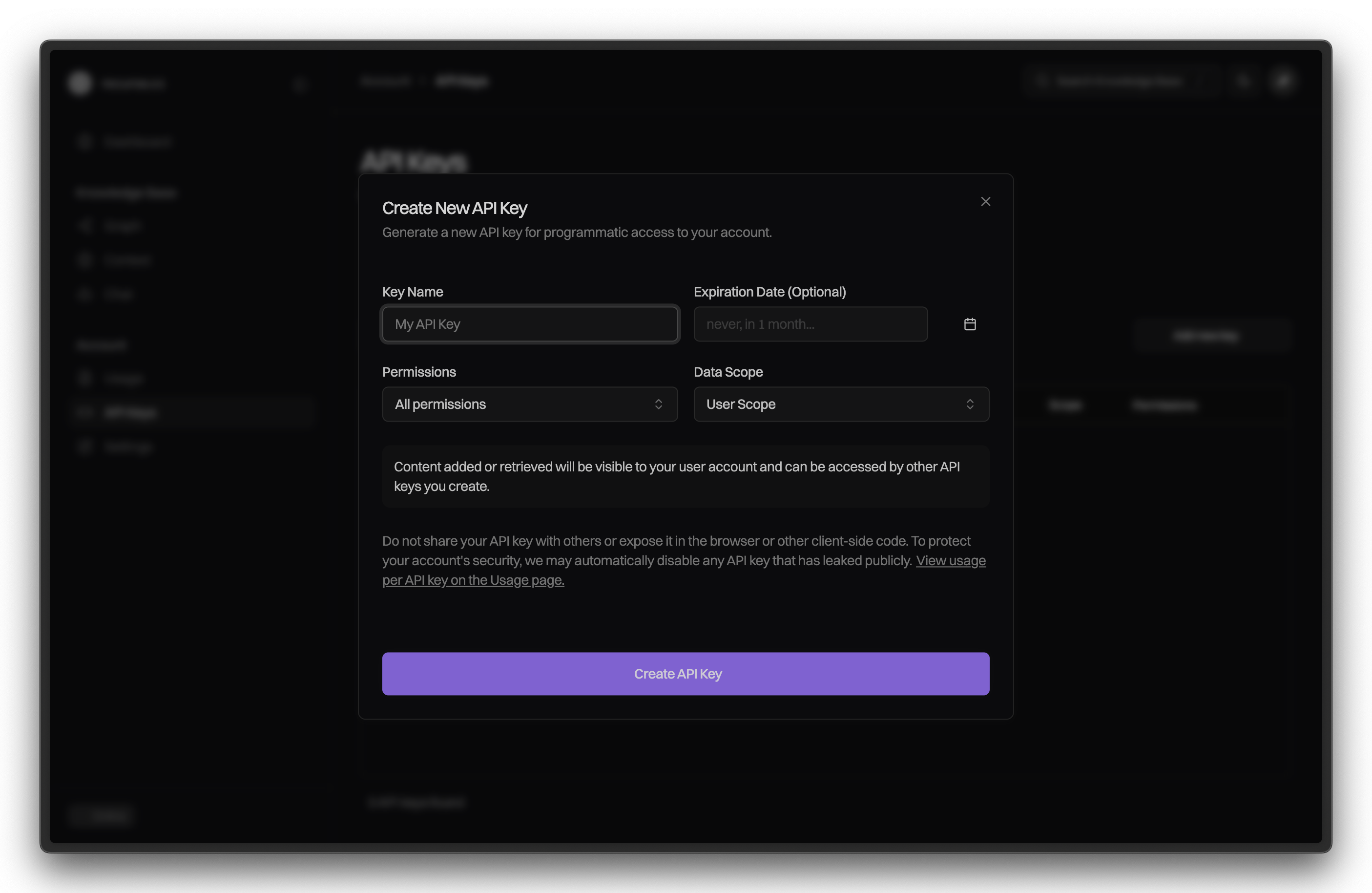
- Generate your API key at API keys settings
- Start uploading content to build your knowledge graph
- Query your knowledge with semantic search or navigate relationships
Upload Content
Upload documents to your knowledge graph. Recurse processes them asynchronously—extracting frames, generating embeddings, mapping relationships.
curl -X POST https://api.recurse.cc/documents/upload \
  -H "X-API-Key: your_api_key_here" \
  -F "text=Frame semantics enable deep understanding by representing concepts as structured units with typed relationships." \
  -F "title=Frame Semantics Introduction" \
-F "scope=getting_started"Response:
{
  "job_id": "job_abc123",
  "status": "processing",
  "document_id": "doc_xyz789"
}
Processing typically takes 10-60 seconds depending on content size.
Upload options:
- Text:
-F "text=Your content here" - Files:
-F "file=@document.pdf" - URLs:
-F "url=https://example.com/article"
Organize with Scopes
Scopes organize your knowledge like folders or tags. Assign scopes when uploading to keep related content together:
-F "scope=research-papers"
-F "scope=team:engineering"
-F "scope=projects:website-redesign"
Use scopes to filter queries later, making retrieval more focused and relevant.
Search Your Knowledge
Once processing completes, query your knowledge graph:
curl "https://api.recurse.cc/search/?query=semantic:frame semantics&limit=5&scope=getting_started" \
-H "X-API-Key: your_api_key_here"Response:
{
  "query": "frame semantics",
  "nodes": [
    {
      "id": "frame_abc123",
      "title": "Frame Semantics Introduction",
      "type": "Frame:Concept",
      "similarity_score": 0.94,
      "content": "Frame semantics enable deep understanding..."
    }
  ],
  "total_found": 1
}
Query modes:
semantic:your query– Vector similarity search across framestext:exact phrase– Keyword matching- Add
&scope=scope_nameto filter by collection - Add
&frame_types=Claim,Evidenceto filter by frame type